
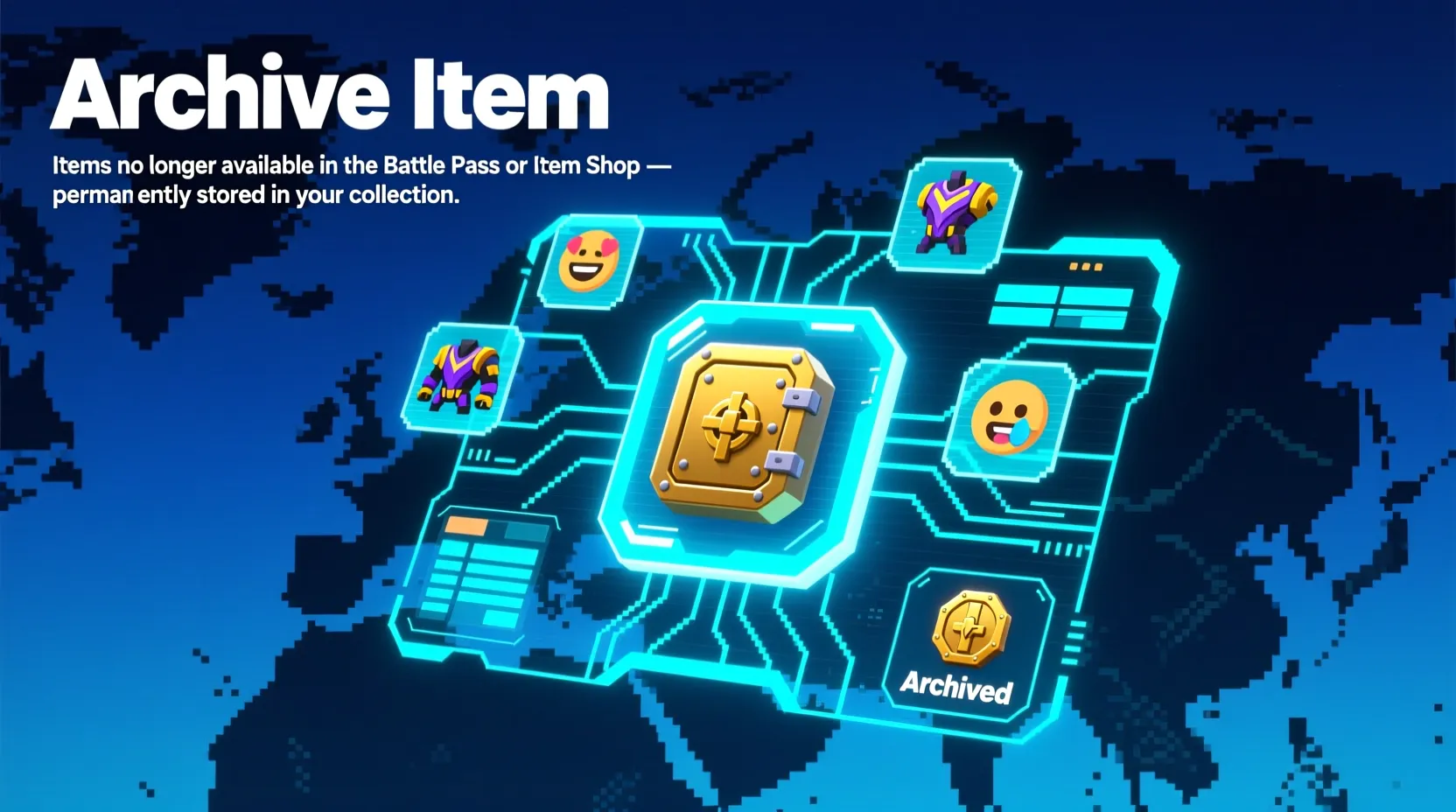
The first time I saw “Archive Item” in Fortnite, I honestly thought it was some secret vault, a hidden chest, or maybe a super-rare collectible I had accidentally unlocked.
After a few minutes of confusion (and Googling), I finally figured out it’s not a weapon, not a perk… it’s actually a feature.
If you’ve ever opened your Fortnite locker and wondered why the option to archive keeps showing up — or what it even does — you’re not alone.
Quick Answer:
Archive Item in Fortnite means hiding selected cosmetics from your main locker view. It’s a simple organizational tool used to clean up your locker and remove clutter without deleting anything.
What Does “Archive Item” Mean in Fortnite? 🧠
In Fortnite, “Archive Item” is a locker feature that lets you hide any cosmetic (skin, emote, pickaxe, glider, wrap, etc.) you don’t want to see in your regular list.
It does not delete the item, remove ownership, or affect gameplay. It simply moves the item to a hidden “Archived” section to keep your locker clean and organized.
Example:
- “I don’t use this skin anymore — I’ll just archive it.”
In short:
Archive Item = Hide Item = Clean up your locker without losing anything.
Where Is “Archive Item” Commonly Used? 📱
You’ll see and use the Archive feature mostly inside the Fortnite locker. It’s useful when:
- 🎮 You have too many skins and want a cleaner layout
- 🎒 You want to hide old Battle Pass items
- 🛠️ You only want quick access to your main loadout
- ⭐ You’re organizing your presets
- 🔒 You want to hide a skin you don’t like without deleting it
It’s a casual and gameplay-friendly feature, not something used in formal communication — just inside Fortnite.
Examples of “Archive Item” in Conversation 💬
A: my locker is so messy 😭
B: just archive the stuff you don’t use
A: where did my old skin go??
B: check the archived section lol
A: i wanna hide these emotes
B: long press and click archive 👍
A: does archive delete items??
B: nah bro it just hides them
A: finally cleaned my locker
B: archiving is a life saver 😂
When to Use and When Not to Use “Archive Item” 🕓
✅ When to Use
- When your locker feels cluttered
- When you want your main items easy to find
- When you stop using certain cosmetics
- When you want better presets or loadout organization
- When you want a cleaner Fortnite setup
❌ When Not to Use
- When you’re afraid of losing track of rare items
- When you want something permanently removed (archiving doesn’t delete)
- When you share accounts and someone else might get confused
- When you need the item frequently
Comparison Table
| Context | Example Phrase | Why It Works |
|---|---|---|
| Casual Game Chat | “Just archive the skins you don’t want to see 😄” | Simple and friendly |
| Tips to Friends | “You don’t need to delete anything, just archive it.” | Helpful & casual |
| Tutorials | “To organize your locker, archive unused cosmetics.” | Clear and instructional |
| Support/Help | “Archiving hides items but doesn’t remove ownership.” | Professional & accurate |
Similar Slang Words or Alternatives 🔄
| Term | Meaning | When to Use |
|---|---|---|
| Favorited Item | Marks items you want easy access to | When highlighting main skins |
| Hide Outfit | Temporarily remove from main view | While organizing cosmetics |
| Loadout Preset | Saved combo of cosmetics | When building quick setups |
| Locker Clean-Up | Organizing all items | When reorganizing everything |
| Sort by Rarity | Group items by rarity | When you want visual order |
FAQs About “Archive Item” ❓
Does archiving delete Fortnite items?
No — it only hides them. Nothing gets removed.
Where do archived items go?
They move to a separate “Archived” category inside your locker.
Can I unarchive items?
Yes. Open the archived section → select item → unarchive.
Does archiving affect presets?
No. Presets still work even if items are archived.
Why should I archive items?
To keep your locker clean, uncluttered, and easier to navigate.